
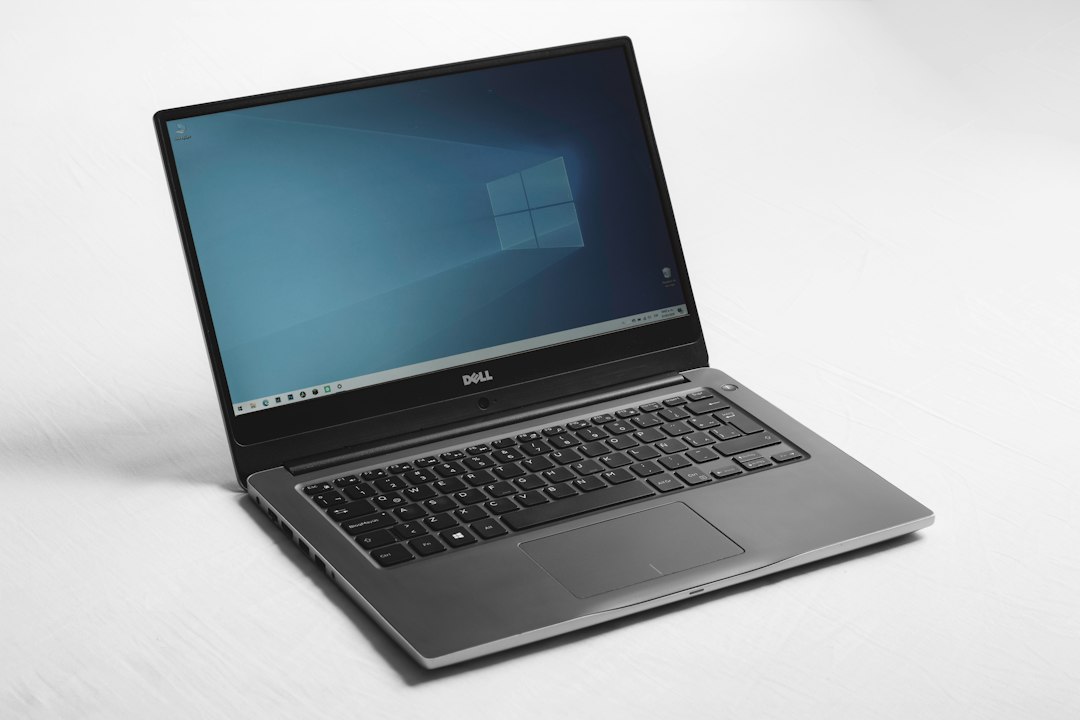
You spent good money on your laptop. Here is how to make it last.
1. Don't Keep It Plugged In 24/7
Modern batteries are smart, but keeping them at 100% all the time creates stress. Use built-in tools like 'Dell Power Manager' or 'MyAsus' to limit charging to 80% if you are always near a desk.
2. Keep It Cool
Heat is the enemy of electronics. Ensure your laptop vents aren't blocked by blankets or pillows. Invest in a simple laptop stand to improve airflow.
3. Clean the Dust
Kathmandu is dusty. Dust clogs fans, leading to overheating. Get your laptop internally cleaned and thermal paste replaced once a year at our service center.
Related Tags
#Maintenance#Tips#Hardware#Cleaning